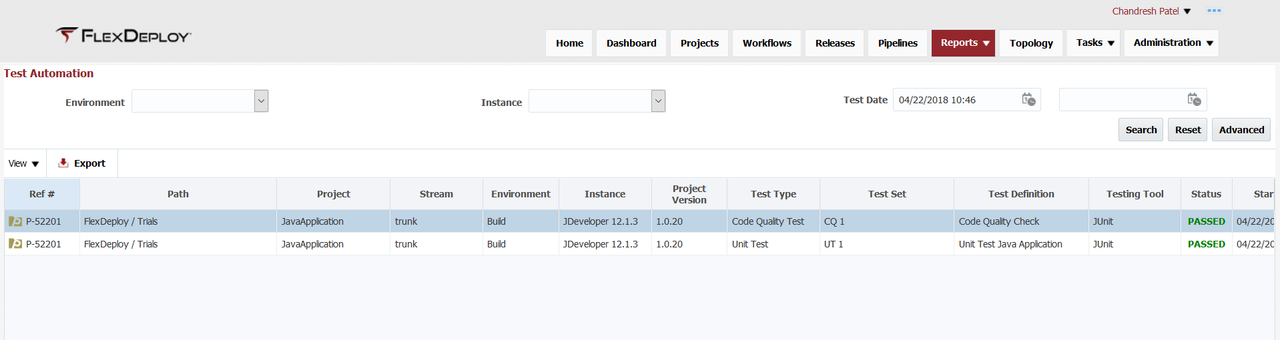
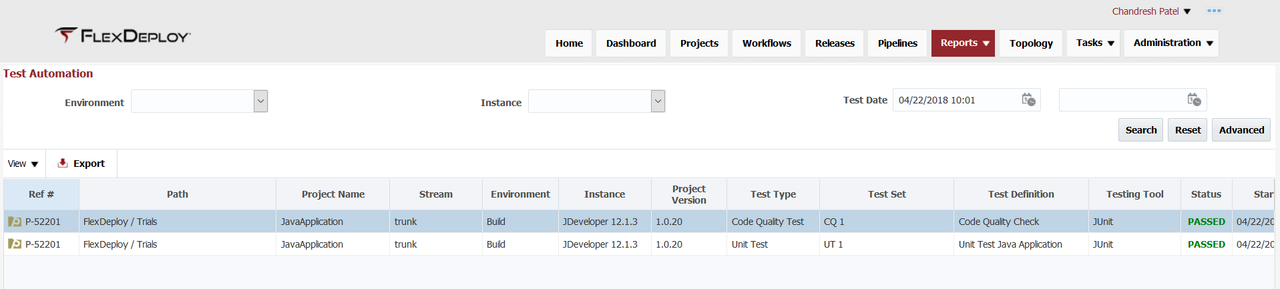
The Test Automation report provides visibility into results of all test executions performed across FlexDeploy topology. To filter the report, select Project, Environment, Instance, Testing Tool, Test Type, and/or a date/time range for Test Date, and click the Search button.
...
| Search Field | Search Operator | Notes |
|---|---|---|
| Environment | Equals | Configured active environments |
| Instance | Equals | Configured active instances |
| Test Date | After, Before or Between | Test start time Depending on whether first, second or both values are provided respectively |
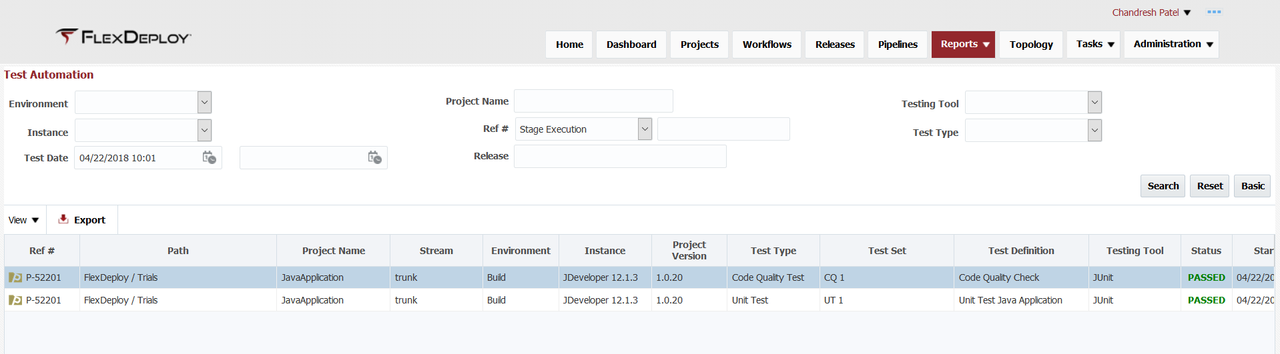
Advanced Search
| Search Field | Search Operator | Notes |
|---|---|---|
| Environment | Equals | Configured active environments |
| Instance | Equals | Configured active instances |
| Test Date | After, Before or Between | Test start time Depending on whether first, second or both values are provided respectively |
| Project Name | Contains Ignore Case | Project Name (not including path) |
| Ref # | Equals | Search for Project, Application or Pipeline Stage Execution id |
| Release | Contains Ignore Case | Release name, suggestions are provided as you type You can use partial or full Release name. |
| Testing Tool | Equals | Testing Tool |
| Test Type | Equals | Test Type |
| Tip |
|---|
The reference number (Ref #) in the first column can be used to correlate data across reports. It refers to the project, application, or stage execution identification number. |