...
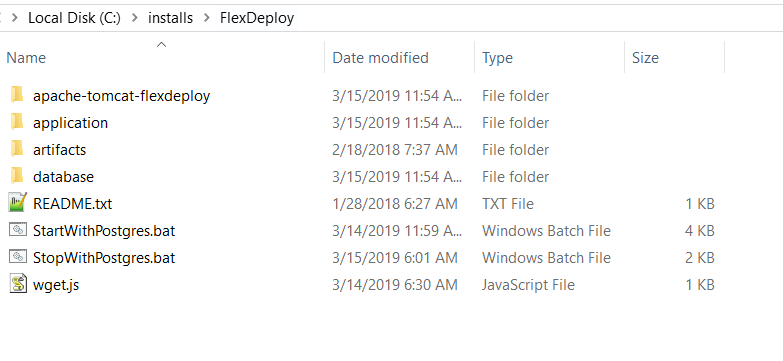
Step 2. Extract the zip file to the desired location (referred to as "FlexDeploy Home" in this document). See example below, where zip was extracted in C:\installs\FlexDeploy folder.
| Tip |
|---|
We recommend use of folder structure without any space in name. |
Step 3. Start tomcat by running the following script. (Double click on it, or run it from a command window)
...